
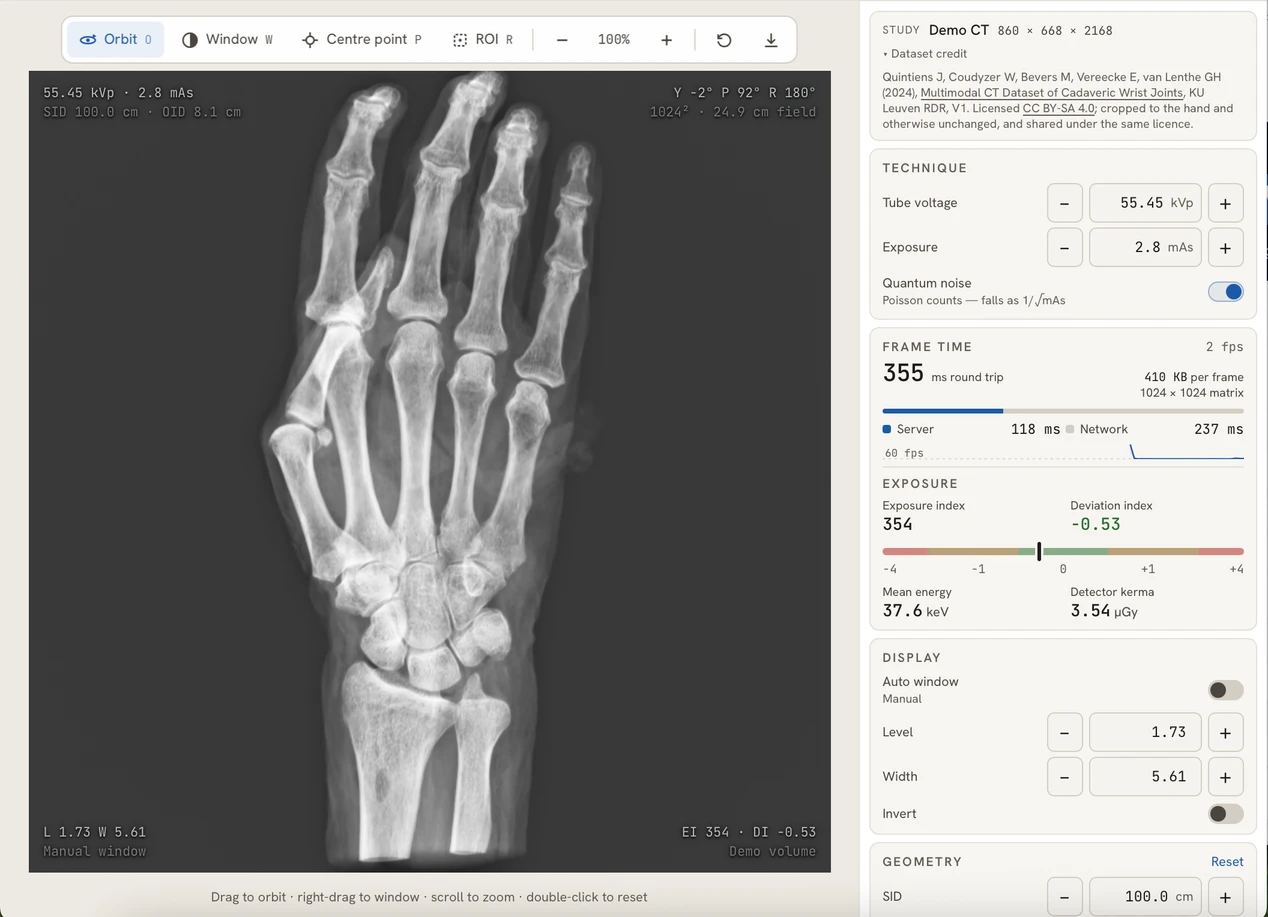
See what changes the image.
Compare the effects of exposure, projection geometry and display settings on a hand radiograph.
Request alpha accessSee beyond
the surface.
Adjust positioning, beam geometry and exposure, then see how the radiograph changes. Built from real CT datasets and ready in your browser.
Early alpha · Manually reviewed access · No installation

Real CT data. A new perspective with every adjustment.
Fine-tune a radiograph in the projector, or work through a full setup in the positioning lab. Approved access is required for both.
Compare the effects of exposure, projection geometry and display settings on a hand radiograph.
Request alpha access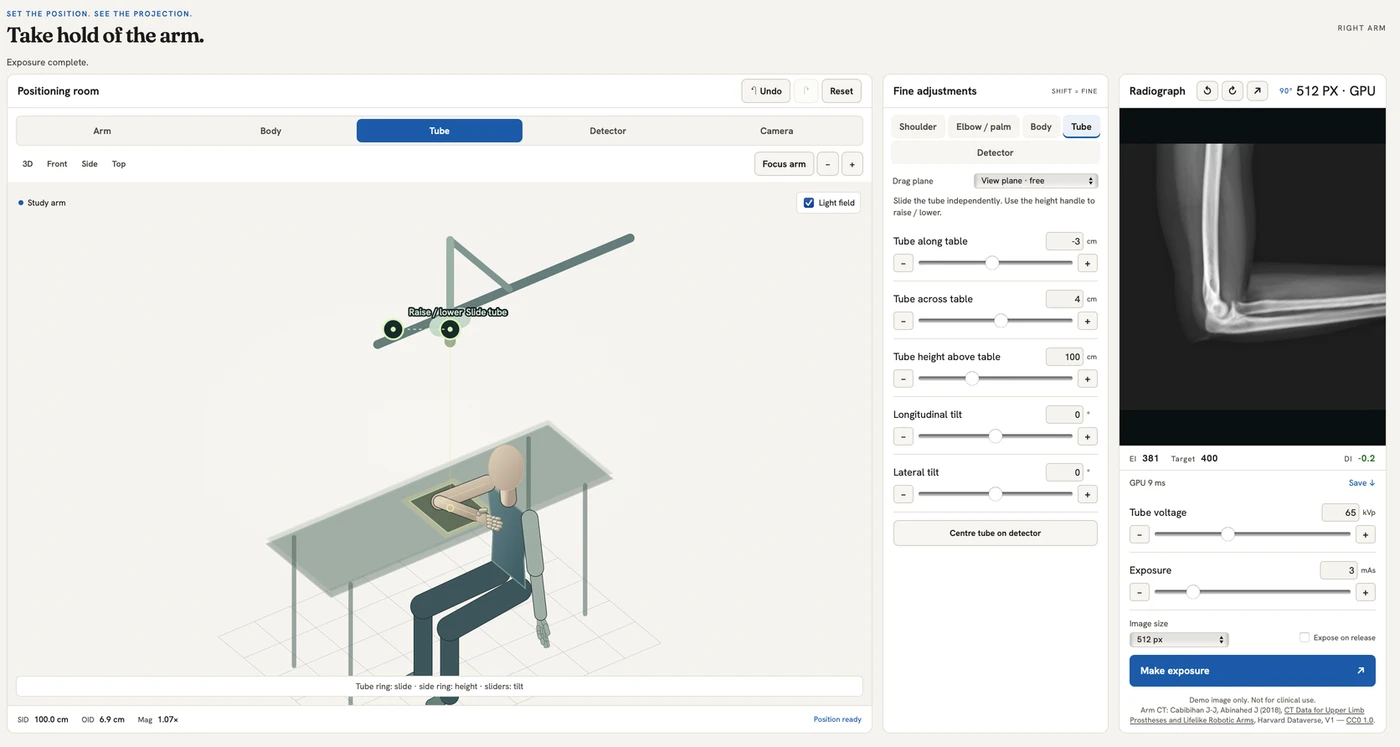
Position the arm, tube and detector, then make an exposure to see the result.
Request alpha accessA virtual environment for asking “what happens if?” and seeing the effect.
Move the anatomy, tube and detector to see how alignment shapes the projection.
Change angles and distances to investigate how anatomy appears on the radiograph.
Adjust technique and noise, then examine the resulting image and exposure measurements.
XYRA is opening for its first round of testing. Your experience and feedback will help shape what comes next.
Availability may vary during testing. Simulated images are for education, not clinical use.
Tell us a little about yourself. If approved, you'll receive an email invitation to choose a password.
Already have a password? Sign in
No dedicated graphics card or installation is needed. XYRA processes images remotely and sends the results to your browser. Use a desktop or laptop for the full positioning workspace.
You'll see a confirmation page. If approved, you'll receive an email invitation to choose a password. Check your spam folder as well as your inbox. Read the access guide.
XYRA uses openly available CT research datasets. Attribution and licence links are available in each simulator and in the dataset credits.
Email contact@xyra-app.com. Tell us which simulator you were using and what you were trying to do. Please don't send patient data.